


























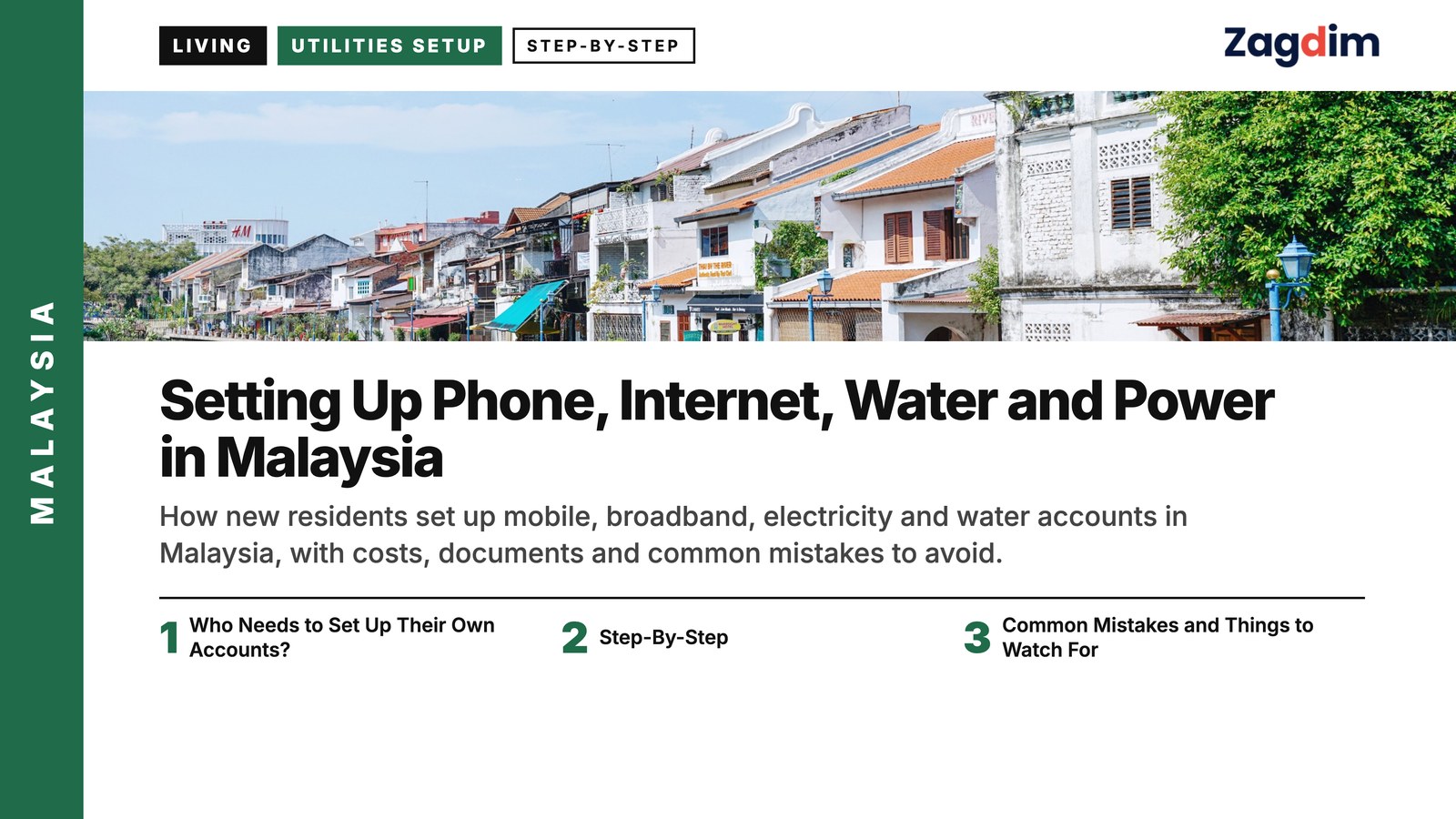
Introduction: Getting Connected Comes Before Settling In
For most new residents arriving in Malaysia, the first thing that truly makes a place feel like home isn’t unpacking boxes or arranging furniture — it’s getting your phone online and your electricity and water running, so a stable life can actually begin. These seemingly basic utilities involve more procedural detail and operational difference than expected, and foreign renters and homeowners in particular are more likely to run into unexpected obstacles.
In Malaysia, setting up a mobile account, applying for home broadband, or registering electricity and water accounts all raise questions of who is responsible for the account, what proof of address is needed, and what the tenancy agreement says. If you are a tenant, will the landlord help with this paperwork? Who is responsible for the deposit? Who is legally liable if a bill goes unpaid? Each choice can affect your future living costs and your risk of disputes.
One point to note: procedures vary somewhat by state. For example, Air Selangor in Selangor supports opening an account online, while some northern Malaysian regions still require an in-person office visit. Malaysia’s broadband and telecom market also has many brands with a wide range of prices and service levels — without comparing your options in advance, you risk both overpaying and missing a plan that would better suit how you live.
✅ Tip: When applying for utility accounts, prepare your tenancy agreement and identification documents in advance, and confirm whether the property owner needs to handle the application in person or provide a letter of authorization.
| Setup Item | Typical Processing Time | Documents Required | Deposit Range | Common Difficulties |
|---|---|---|---|---|
| Mobile SIM card | Instant / within 15 minutes | Passport | None (prepaid) | Choosing the wrong plan; eSIM not supported |
| Home broadband | 7–14 days | Tenancy agreement + ID | None / depends on provider | Area restrictions; installation scheduling |
| Electricity (TNB) | 2–5 days | Passport + tenancy agreement + application form | RM250–900 | Account not transferred, causing liability confusion |
| Tap water (e.g. Air Selangor) | 1–3 days | Tenancy agreement + ID | RM50–100 | Procedures vary by state; IWK billed separately |
Who Needs to Set Up Their Own Accounts?
Not every resident needs to personally handle setting up mobile, internet or utility accounts in Malaysia. Whether you need to do this yourself usually depends on your housing type and contractual arrangement — and whether you hold formal proof of address is the key factor.
For residents of a serviced apartment or a short-term rental (such as an Airbnb or an all-bills-included room), utility costs are usually already included in the rent, and accounts are handled centrally by the property manager or landlord, so there is no need to open your own account. But if you are a long-term tenant, especially one renting an apartment or terrace house under a formal tenancy agreement, it is advisable to proactively transfer or newly apply for the utility and broadband accounts in your own name, to keep billing liability and deposit handling clear and secure.
Owners who have bought their own property must open all accounts themselves and are responsible for all costs and management. Buyers who rent out their property should still confirm that the account has been successfully transferred into the tenant’s name, to avoid future disputes over unpaid bills.
For student renters or those sharing accommodation with others, whether you can open an account independently depends on the situation. As long as you can present a valid tenancy agreement or proof of the property and are listed as the primary tenant in the contract, you can apply. If you are not the primary tenant, you will need authorization from the landlord or the contract holder, and some companies may require a local guarantor or additional documents.
➡️ Key Reminder: Regardless of who opens the account, if it is not registered in your own name, ambiguity can arise later around moving out, disputes, or even legal liability.
Tip: Even if a landlord or property manager helps set up the accounts, you should proactively confirm whether the bill will be issued in your own name, and keep transfer records and application documents on file to protect your own interests.
Step-By-Step: Setting Up Mobile, Internet and Utilities
After arriving in Malaysia, getting a mobile number, home broadband and utility accounts up and running are the three most basic and essential setup tasks for starting your new life. Below are the practical steps to help you get everything set up within a week, whether you are renting, buying your own home, or staying short-term.
Step 1. Setting up a mobile number (prepaid or postpaid)
Malaysia’s mobile market offers many options. Prepaid SIM cards can be bought and activated almost instantly, while postpaid plans generally require local residence documents and more complete identity verification. For foreigners and new residents, a prepaid card is the simplest and most flexible way to start.
The main telecom operators currently are Maxis (Hotlink), CelcomDigi, U Mobile and Yes. All of them offer entry-level plans, and some support instant eSIM activation online, which suits short stays or people who have just arrived.
How to open an account and the documents you need:
- Go to the airport, a convenience store, a retail outlet or an authorized dealer
- Show your passport to register and activate (no local address or tax number required)
- If using eSIM, you can register and activate instantly through the official website or a platform such as SimOptions
Comparison of major telecom operator prices and plans
| Brand | Plan Price | Data Allowance | Hotspot Sharing | Validity | Notes |
|---|---|---|---|---|---|
| CelcomDigi | RM25 | 15GB + 3GB hotspot | Yes | 30 days | eSIM available |
| Maxis Hotlink | RM25 | 30GB | Yes | 30 days | Stable hotspot |
| U Mobile | RM35 | Unlimited data (capped at 6Mbps) | Yes | 14 days | Includes international roaming |
| Yes 5G | RM30 | 20GB, 5G/4G combined | Yes | 30 days | Good 5G coverage |
➡️ Tip: If you plan to stay longer than a month, a plan that supports online top-ups, hotspot sharing and renewal gives you more flexibility.
Step 2. Applying for home broadband
Getting your phone online is one thing; working from home, video calls and streaming need home fiber broadband. Malaysia’s main broadband providers are Unifi, TIME and Maxis Home Fibre. TIME is popular for its speed and affordable pricing but is limited to cities and high-rise areas; Unifi has the widest coverage.
Application process:
- Apply online or visit a service center in person (both Unifi and TIME support online applications)
- Submit your tenancy agreement or proof of ownership and your identification (passport)
- Arrange for a technician to survey the site and install (typically a 5–10 day wait)
Tenants can also apply, though some providers may require an additional deposit or a local guarantor.
Broadband brand vs speed vs monthly fee
| Brand | 100Mbps | 500Mbps | 1Gbps | Notes |
|---|---|---|---|---|
| Unifi (TM) | RM89 | RM149 | RM249 | Widest coverage |
| TIME | RM99 | RM139 | RM199 | Limited to certain areas |
| Maxis Home Fibre | RM89 (30Mbps) | RM129 (100Mbps) | — | Leases Unifi lines in many areas |
Tip: TIME is cheap but does not cover every address — check the official website before applying to confirm installation is available where you live.
Broadband setup is not always straightforward, and providers differ in process, required documents and wait times — ask Zagdim if you are not sure which provider fits your situation.
Step 3. Setting up electricity (TNB – Tenaga Nasional Berhad)
Electricity is supplied nationwide by TNB (Tenaga Nasional Berhad). Whether you are renting or own your home, whoever is registered on the account is legally liable for the bill. So whether you are moving into a new rental or taking over a previous owner’s property, you should complete a Change of Tenancy or a fresh application.
Setup process:
- Register a myTNB account or visit a Kedai Tenaga service center
- Choose “Change of Tenancy” and upload your tenancy agreement, identification and the application form
- Pay the deposit and stamp duty (RM10); the deposit amount is calculated by property type
- The account is then transferred into the new user’s name, and future bills are sent directly to the applicant
TNB account setup by property type
| Property Type | Deposit Amount (RM) | Notes |
|---|---|---|
| Apartment / serviced residence | 250–700 | Depends on unit type and area |
| Terrace house / two-story house | 700–900 | Generally higher |
| Detached house / bungalow | 900+ | Adjusted by estimated usage |
➡️ Key Reminder: Moving in without transferring the account into your own name means you could end up liable for any bills the previous occupant left unpaid.
TNB’s application steps and deposit calculations can be confusing for first-time residents — ask Zagdim if you have questions about account names, tenancy liability or billing.
Step 4. Applying for water services (varies by region)
Water supply in Malaysia is managed at the state level, with a different company in each state. In the most common case — Selangor and Kuala Lumpur — water is supplied by Air Selangor (formerly Syabas). Other regions, such as Penang, use PBAPP (Penang Water), and applications must be made separately to each region’s own office.
How to apply:
- Bring your passport and tenancy agreement to the local office
- Or apply through an online platform (such as the Air Selangor Portal)
- Pay a deposit (RM50–100); some regions require additional forms or a letter of authorization
✅ Note: In some residences, sewerage fees are billed separately by Indah Water Konsortium (IWK) — check this bill separately.
Step 5. Setting up gas (optional)
Most homes in Malaysia use LPG cylinders rather than the piped natural gas common in Taiwan or Hong Kong. If you live in a higher-end condominium or a newer development, there may be a centralized gas supply system that the management office arranges on residents’ behalf; otherwise, residents order gas cylinders directly from a delivery supplier, and no account application or deposit is required.
Tip: Early on, ask a neighbor or your landlord to recommend a local gas supplier so you can quickly set up delivery.
FAQ
Q1: Can foreigners apply for their own electricity and internet accounts?
A1: Yes. As long as you have a valid passport and a tenancy agreement, most service providers accept applications from foreign nationals. Some internet and electricity providers may require an additional deposit or a local guarantor, so it is worth checking each company’s policy in advance.
Q2: What’s the difference between prepaid and postpaid mobile plans?
A2: Prepaid plans require no contract and offer high flexibility, suiting short stays or people who have just arrived; postpaid plans usually offer more data and better rates but require local identification and more complete identity verification when applying. For new residents, a prepaid card is usually the better starting point.
Q3: Can I still open an account without proof of address?
A3: A prepaid mobile SIM can be registered with just a passport; but electricity, water and broadband accounts usually require proof of address (such as a tenancy agreement). If you don’t yet have a formal tenancy agreement, ask your landlord whether they can help arrange this or provide authorization.
Q4: How long does on-site installation take for home internet?
A4: This depends on the region and the brand, but generally expect to wait 5–10 business days for a technician to install service. Popular areas or high-rise residences may be faster; suburban or remote areas may take longer.
Q5: Can utility bills be paid online?
A5: Yes. TNB (the electricity provider) and water authorities in each region support online payment platforms, such as myTNB, the Air Selangor App, FPX online bank transfers, and e-wallets like Boost and Touch ‘n Go.
Q6: Is broadband internet reliable in Malaysia?
A6: Overall, broadband service in urban areas is quite reliable, especially fiber services like TIME and Unifi. Some suburban areas or older buildings may see unstable signal or slower speeds — check actual coverage and reviews before installing.
Q7: Does the government offer any promotions or packages for new residents?
A7: Some internet providers offer waived installation fees, free speed upgrades or contract discounts for new customers, and TNB periodically runs energy-saving rebate programs. It is worth checking each brand’s “Welcome Package” or promotional information on its website before applying.
Common Mistakes and Things to Watch For
Even though setting up mobile, internet and utility accounts may seem simple, there are still many details that are easy to overlook in practice. Overlooking them can lead to billing disputes, service interruptions, or even legal liability being passed on to you. Below are three common mistakes, along with prevention tips and remedies.
1. Forgetting to confirm the account name, causing problems when moving out
Many tenants let their landlord set up the utility and internet accounts when they first arrive, but the account stays in the landlord’s name. When billing disputes arise or the tenant moves out, disputes over deposit refunds and outstanding balances can easily occur.
Recommendation: Complete an account name change (such as TNB’s Change of Tenancy) as soon as possible after moving in, to avoid taking on unnecessary liability later.
2. Opening an account with a passport but forgetting to update residence documents, leading to suspension
For short-term visitors or people who have just entered the country, telecom providers will open a prepaid account using a passport, but if you don’t later submit full proof of residence (such as a visa or long-term residence permit), the account may be suspended or cancelled after several weeks.
Recommendation: After opening an account, regularly check for SMS notifications from your telecom provider and complete any required document submission within the deadline.
3. Not booking an internet installation slot, leading to a wait of over two weeks
Broadband applications can be processed online, but if you do not promptly book a technician visit, installation can be delayed, especially during peak periods such as the start of a school term or before holidays.
Recommendation: Book an installation slot online as soon as your tenancy agreement is finalized, and make sure someone is available on-site to receive the technician.
Tip: For both utility and internet accounts, always confirm the contract terms for deposit refund conditions and early termination penalties, to avoid disputes later.
Common setup mistakes and remedies
| Common Mistake | Impact | Recommended Fix |
|---|---|---|
| Account not registered in your own name | Deposit cannot be refunded; billing disputes | Complete an account name change as soon as possible and keep transfer records |
| Failing to submit updated visa proof | Mobile service suspended; account cancelled | Prepare proof of residence, contact customer service and submit documents |
| Internet installation not booked | Delayed internet access; disrupted work | Book online in advance and schedule flexibly |
| Deposit amount unclear | Overcharged fees | Check the official website and keep application and payment records |
Summary
When you first arrive in Malaysia, successfully setting up your mobile number, broadband and utility accounts is about more than convenience — it affects tenancy liability, contract protection and the stability of your finances. These processes may look trivial, but each step involves procedural differences and practical details; understanding and handling them properly, especially as a foreigner or first-time renter, can save time and money and reduce the risk of disputes down the line.
Have a question about this guide? Leave a comment below, or ask Zagdim directly.
Your first stop for international property and global living.
Research and insights. Know what’s changing. Understand what matters.
Sources
- ESIM.net – Malaysia SIM Card Guide
- TNB – MyTNB Account Guide
- Unifi – Fibre Broadband Plans
- TIME – Internet Packages Overview
- Air Selangor – Online Application Portal
- The Star – TNB Billing Liability Case
- SoyaCincau – Broadband Comparison Report 2023
- Yahoo News Malaysia – Utility Setup Tips
- The Rakyat Post – Smart Prepaid Meter News
- Malaysia Communications and Multimedia Commission – Telecommunications Overview
Disclaimer
The information cited in this article is drawn from official websites, media reports and telecom operator plan announcements published between 2023 and 2025, compiled and cross-checked for consistency. If actual procedures or fees differ, refer to the latest official announcements.